Karaoke Surgeon 3
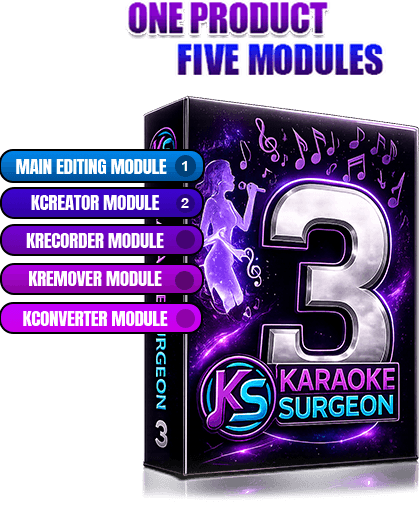
Five Modules, One Great Product
Mix and Match to Create Your Own Product
Win 10 - Win 11 Mac OSx 11.x - 26.x
TMJ NEWS
Karaoke Surgeon Version 3

Welcome to Karaoke Surgeon 3 — the newest and most powerful version of Karaoke Surgeon. Version 3 has been redesigned as a modular product, which means you can build the exact version of Karaoke Surgeon that fits your needs.

Start with the required Main Module, then add only the optional modules you want. Whether you want to change key or tempo, remove vocals, convert files, create karaoke tracks, or record your own performances, Karaoke Surgeon 3 gives you a complete set of tools in one convenient program.

What’s New in Version 3

Karaoke Surgeon 3 includes several major improvements:

KEY BENEFITS

One Product. Many Powerful Tools.

Karaoke Surgeon is a breakthrough product because it combines features that normally require several separate programs. Most karaoke musicians use a toolbox of different products to edit songs, remove vocals, convert files, create karaoke tracks, and record performances. Karaoke Surgeon brings these tools together in one place. That means you can save time, save money, simplify your workflow, and produce better-quality karaoke tracks.

Saves Time

Karaoke Surgeon can replace multiple separate software products, reducing the number of steps needed to prepare your music. Instead of searching endlessly for a karaoke version of a song, you can create your own. And with the redesigned AI-powered KCreator, lyric synchronization that once took more than an hour can now be completed in just a few minutes. If you work with karaoke tracks regularly, this can save you an enormous amount of time.

Saves Money

Karaoke Surgeon can save you money in two important ways. First, its versatility reduces the need to buy multiple separate software programs. Second, it allows you to create your own karaoke files instead of purchasing them from other sources. For singers, performers, teachers, churches, DJs, and karaoke enthusiasts, Karaoke Surgeon can quickly pay for itself.

Superior Audio Quality

Karaoke Surgeon is designed to maintain excellent audio quality when changing key, tempo, volume, or EQ. The updated AI-powered KRemover module also produces cleaner vocal removal and higher-quality instrumental tracks, giving you better results when creating karaoke versions from standard songs.

Convenience

Karaoke Surgeon gives you a complete karaoke production toolkit in one program. Need to change the key or tempo? Easy. Need to remove vocals from a song? Click a button. Can’t find a karaoke version of the song you want? Create your own in just a few minutes. Want to record yourself singing? KRecorder lets you do that too. Karaoke Surgeon 3 makes the entire karaoke workflow faster, easier, and more convenient.

Module and Functionality Review

Karaoke Surgeon 3 is built around a required Main Module , plus additional optional add on Modules. You can build your own product by adding one or more of these optional modules to the Main module. A brief description of each of the five available modules is found below:

MAIN MODULE

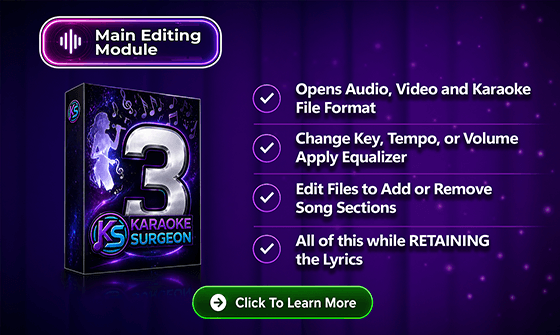
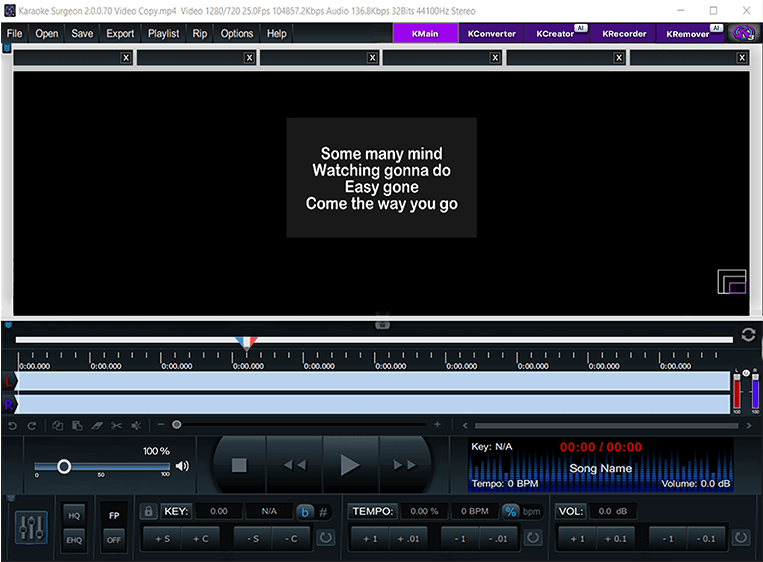
The Main Module is the foundation of Karaoke Surgeon 3 and is required for all users. It includes the core features needed to work with audio, video, and karaoke files. With the Main Module, you can:

KRemover

(AI-Powered Vocal Removal)

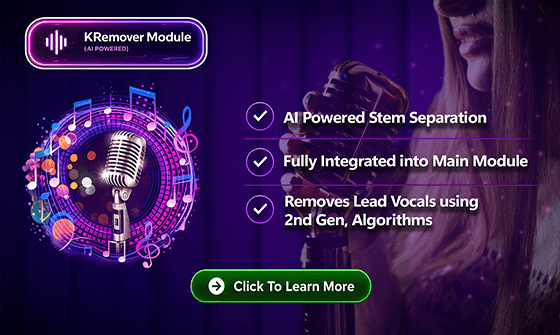
KRemover is an AI-powered stem separation module that removes vocals from songs so you can create instrumental or karaoke-style tracks. This module is similar to the vocal removal feature found in Version 2, but it now uses a newer and more powerful V2 AI algorithm for cleaner vocal removal and better overall quality. Another major improvement is that KRemover is now integrated directly into the Main Module workflow, making it easier and more convenient to use. Because KRemover is AI-powered, it is sold on a subscription basis.

Original
Vocals
Mix (without vocals)

kconverter

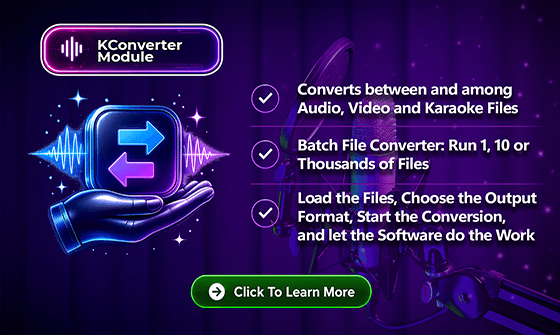
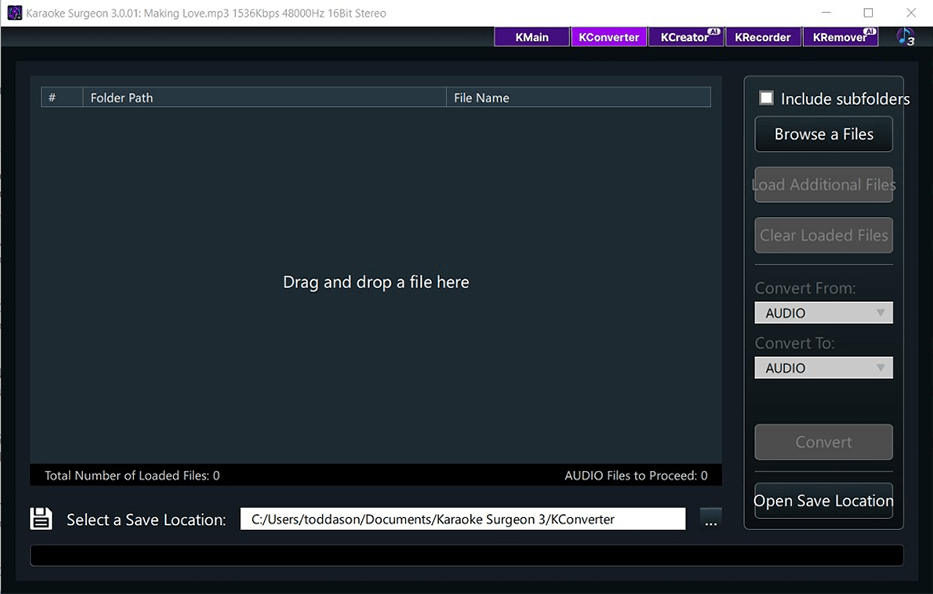
KConverter is a powerful bulk file converter. Whether you need to convert one file or hundreds of files, KConverter lets you load your files, choose the output format, and let the program do the work. It is especially useful for users who work with large music libraries or need to prepare files in specific formats for performance, editing, or sharing.

kcreator

(AI-Powered Karaoke File Creation)

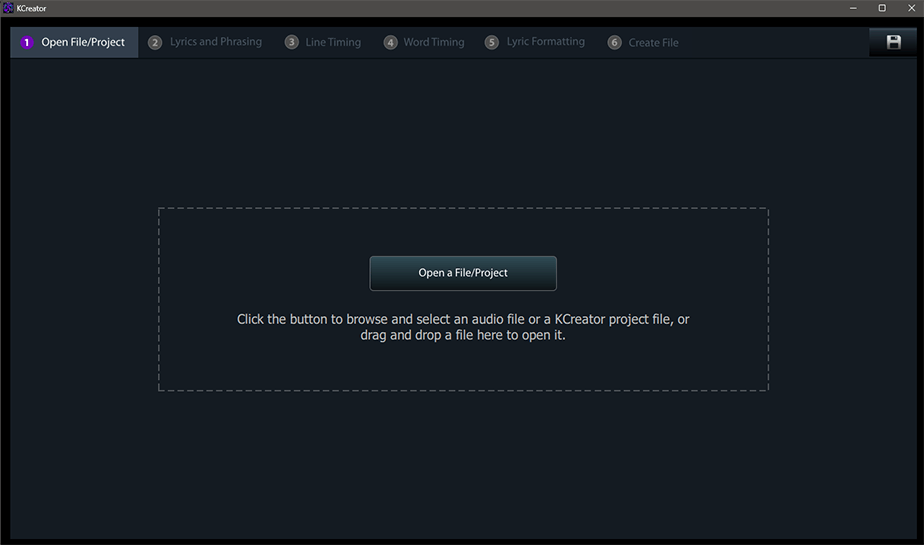
Changes and improvements made to KCreator are some of the most exciting improvements in Karaoke Surgeon 3. In Version 2, KCreator could create karaoke files, but synchronizing the lyrics with the music required significant manual input. That process could take an hour or more. In Version 3, KCreator uses AI to automatically synchronize lyrics with the music. This dramatically reduces the time needed to create a new karaoke file. Feed KCreator a fully mixed, multi-instrument song, and in just a few minutes it can help produce a karaoke version with vocals removed and lyrics synchronized to the music. It is impressive to see in action. Because KCreator requires vocal removal, it includes access to the AI-powered KRemover module. If you purchase KCreator, KRemover is included with it. KCreator, like KRemover, is available on a subscription basis..

KRecorder

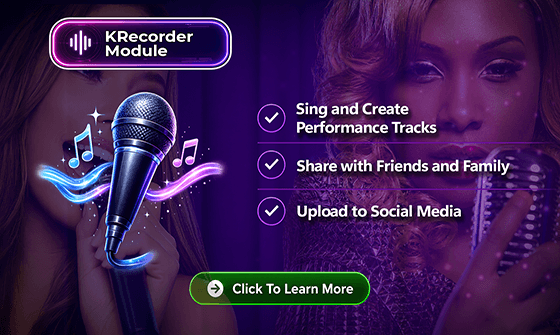
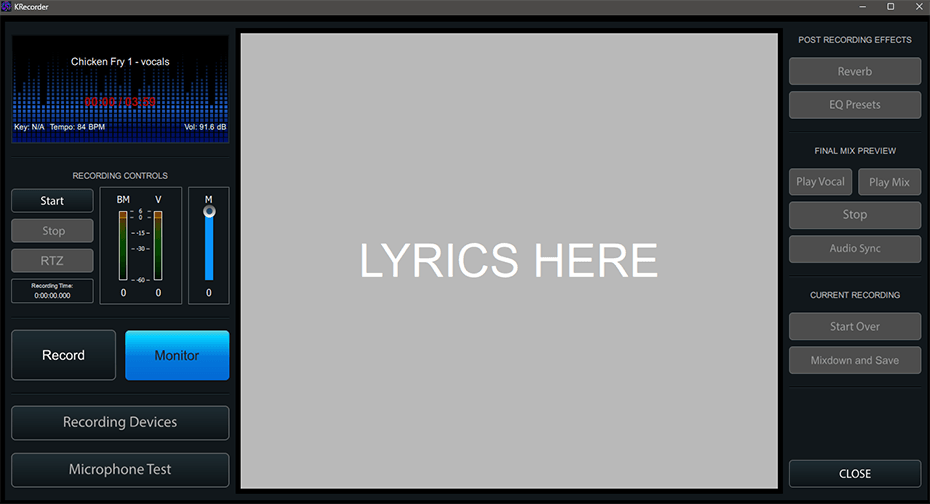
KRecorder allows you to record your own vocals while singing along with audio, video, or karaoke files. Once your performance is recorded and saved, you can share it with friends, family, or on social media platforms such as YouTube, Facebook, Instagram, TikTok, and more. KRecorder is ideal forsingers who want to practice, perform, or create finished karaoke recordings.

Confidence in Your Purchase

Your purchase of Karaoke Surgeon 3 includes licenses for two machines using the same major operating system — either macOS or Windows. Karaoke Surgeon also comes with our 60-day, 100% money-back guarantee. Try it risk-free. If you are not satisfied for any reason, simply contact us within 60 days for a full refund. TMJ Software products have been sold in more than 150 countries worldwide, and we stand behind our products with strong customer support.

Your purchase also includes:

  • Two years of free support through our Help Desk
  • Written User Guide
  • Training Videos
  • Help Desk responses within 24 hours or less

TRY KARAOKE SURGEON 3 TODAY

Take your time and review the information on this page to see which Karaoke Surgeon modules are right for you. When you are ready, click the Buy button to purchase Karaoke Surgeon 3. Not quite ready to buy? Click the Demo button to download and test-drive the fully functional demo version. Start using Karaoke Surgeon 3 today and discover how easy it can be to create, edit, convert, and perform karaoke tracks from one powerful program.